



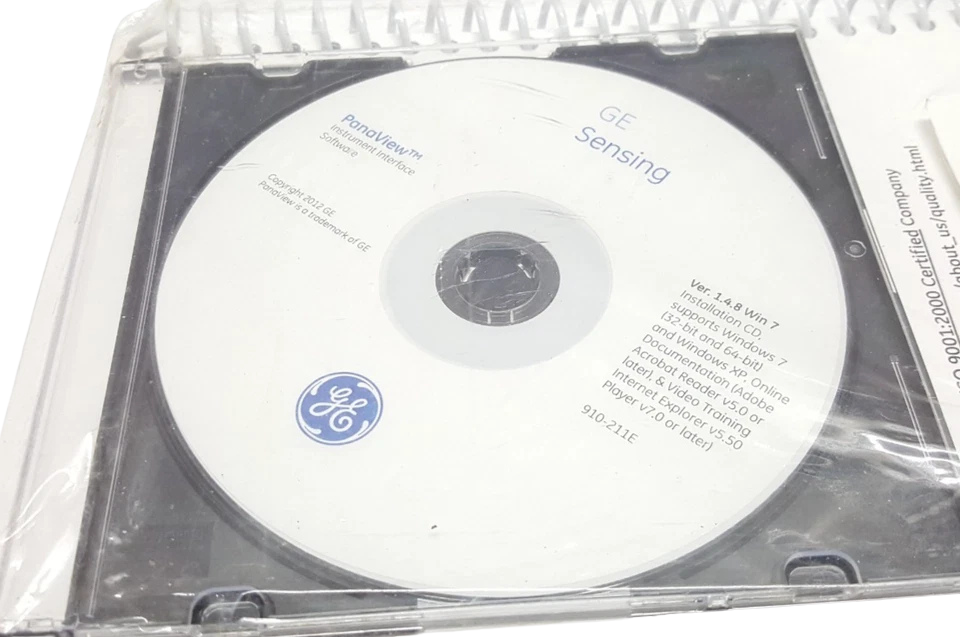
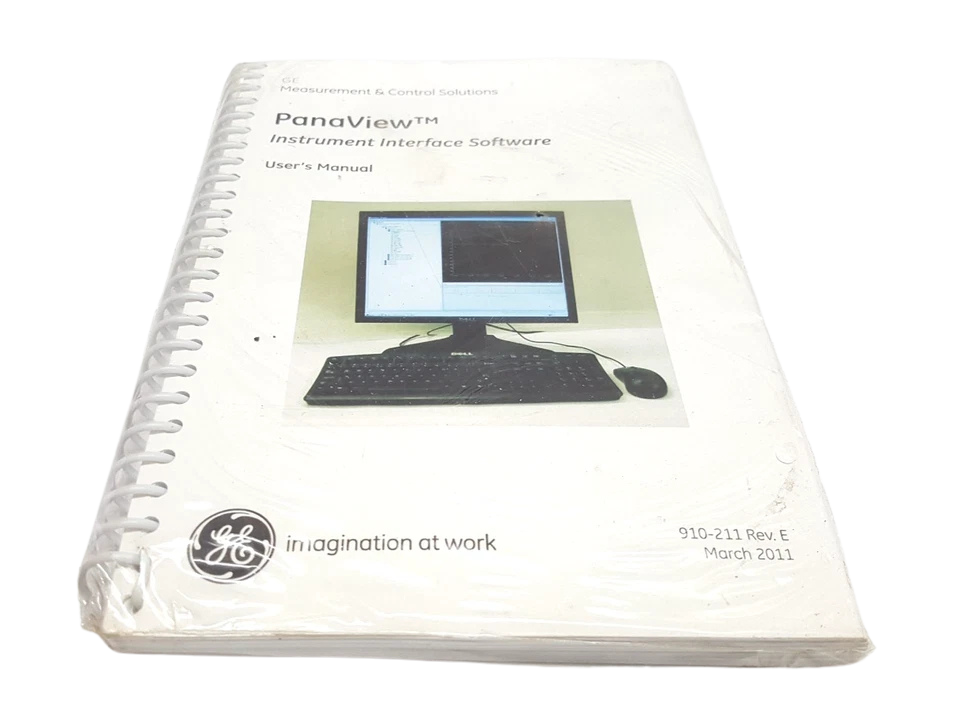
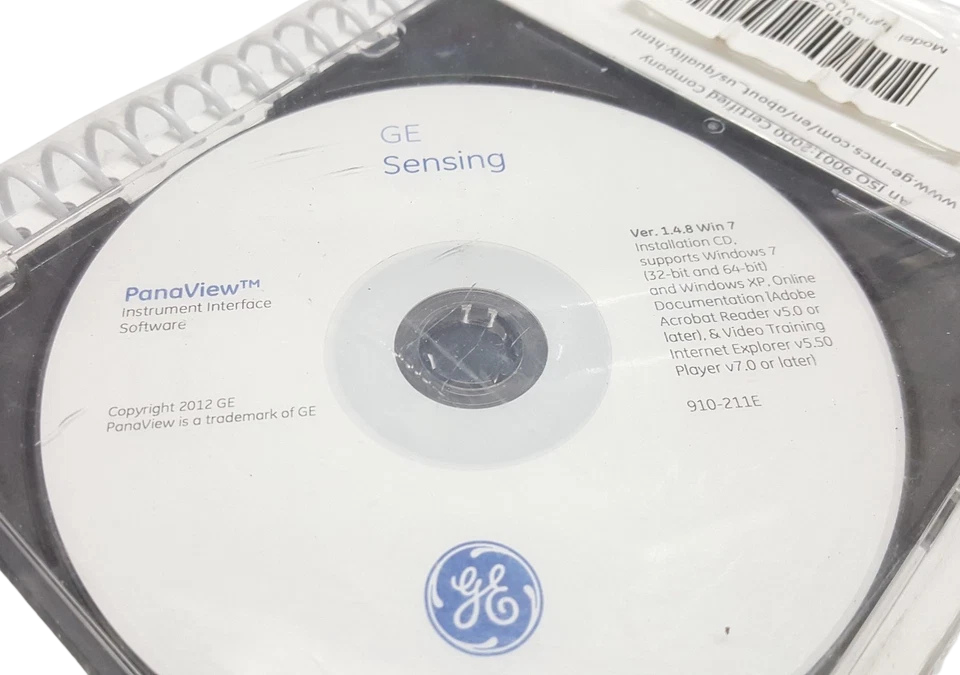




GE 910-211 PANAVIEW™ INSTRUMENT INTERFACE SOFTWARE CD & USER’S MANUAL REV. E
The GE 910-211 PanaView™ Instrument Interface Software CD with User’s Manual (Revision E) provides software installation media and engineering documentation for establishing bidirectional serial communications, live signal diagnostics, and parameter programming across General Electric (now Baker Hughes Panametrics) ultrasonic flowmeters and process gas/moisture analyzers. Revision E contains detailed setup protocols for full-duplex RS-232C, half-duplex RS-485 serial buses, IrDA (infrared), and Ethernet-to-Serial bridged architectures.
This software and manual package enables field instrumentation technicians, control room operators, and marine engineers to build network trees, assign node IDs (1–254), program pipe/transducer geometry parameters into EPROMs, log high-frequency measurement data, and review transit-time acoustic wave forms. It serves as a vital diagnostic tool in marine propulsion, offshore oil and gas processing, power generation, and municipal infrastructure.
Model Details
- Manufacturer: General Electric Infrastructure Sensing / Panametrics (Baker Hughes)
- Document / Package Part Number (MPN): 910-211 (Revision E)
- Software Version: PanaView™ Version 1.4.x / 1.5.x Series
- Media Delivered: Factory Optical CD-ROM with Softcover Printed Technical Reference Manual
- License Type: Single Workstation / Multi-Instrument Network License
Key Features
- Complete Physical Wiring & Pinout Diagrams: Comprehensive terminal allocations for DB9/DB25 RS-232 connections, 2-wire half-duplex RS-485, and 4-wire full-duplex field loops.
- Multi-Drop Bus Topology Integration: Full setup protocols for networking up to 31 Panametrics transmitters per serial port without repeaters, assigning unique communication IDs.
- Live Ultrasonic Signal Waveform Analysis: Diagnostic array graphing capabilities to view transit-time signals, delta-T gain settings, sound speed, and signal-to-noise ratios (SNR).
- Automated Data Logging & File Export: Direct real-time recording of process parameters (volumetric flow, mass flow, sound speed, totalized volume) to .CSV, .XLS, or .TXT file formats.
- Transducer & Pipe Calibration Matrix: Complete field-entry workflows for entering pipe outside diameter, wall thickness, lining material, fluid viscosity, and transducer spacing parameters into meter memory.
Applications
- Shipboard & Marine Engineering: Interfacing fuel oil mass flowmeters, ballast water treatment system trackers, and dual-fuel LNG boil-off gas (BOG) ultrasonic meters.
- Refinery & Downstream Petrochemical: Remote calibration and signal troubleshooting on custody transfer liquid lines and flare gas flow measurement installations.
- Power Generation Utilities: Monitoring main feed water velocities, steam flow transit-times, and cooling water loop circulation rates.
- Municipal Water Infrastructure: SCADA integration and long-distance serial network monitoring (RS-485) of primary effluent and treated water pipelines.
Part Number Cross-References
- GE / Panametrics Part Numbers: 910-211, 910-211-E, 910-211C, 910-211F, 910-211I
- Baker Hughes Legacy Identifiers: BH-910211-E, PANAVIEW-CD-REV-E
- Associated Software Versions: PanaView SW v1.4.x, PanaView SW v1.5.x, PanaView SW v1.6.x
Chief Engineer’s Field Briefing:
When interfacing a GE Panametrics transmitter (like an XGM868i) to a central shipboard workstation via PanaView, standard generic USB-to-RS485 dongles often lead to dropped packets and communication timeout errors due to chip buffer handling under high noise conditions. Always select an FTDI-chipset based converter featuring 2.5kV optical isolation to eliminate ground loops between auxiliary machinery panels and control room PCs.
Frequently Asked Questions
How do I connect PanaView software to an XGM868i or DF868 transmitter?
Connect an RS-485-to-USB converter from your PC to the serial terminals (Terminals 1 and 2 on Slot 0 or Option Slot) on the transmitter. Open PanaView, select “New Meter Browser”, add your PC’s active COM port, set the baud rate to match the device (default 9600), and run a network scan.
What are the default serial settings for PanaView communication?
The standard factory settings for GE Panametrics flowmeters are 9600 Baud, 8 Data Bits, No Parity, and 1 Stop Bit (9600 8-N-1).
Can PanaView Rev. E software run on modern 64-bit Windows systems?
PanaView version 1.4.x/1.5.x on the Rev. E CD was natively compiled for 32-bit Windows systems. However, it executes cleanly on 64-bit Windows 10 and Windows 11 by running the installer and executable in Windows XP/7 Compatibility Mode with Administrative privileges.
How do I export live flow measurement logs to Excel?
In PanaView, navigate to the Logging option under the Output menu. Define your sampling interval (e.g., 1-second increments), choose the process variables to track (Velocity, Volumetric Flow, Mass Flow, Signal Strength), and select the destination format as .CSV or .TXT.
What is the maximum distance allowed for a multi-drop RS-485 network?
Using 24 AWG shielded twisted pair cable with 120-Ohm line termination at both ends, an RS-485 PanaView loop can extend up to 4,000 feet (1,200 meters) before requiring an active RS-485 signal repeater.