

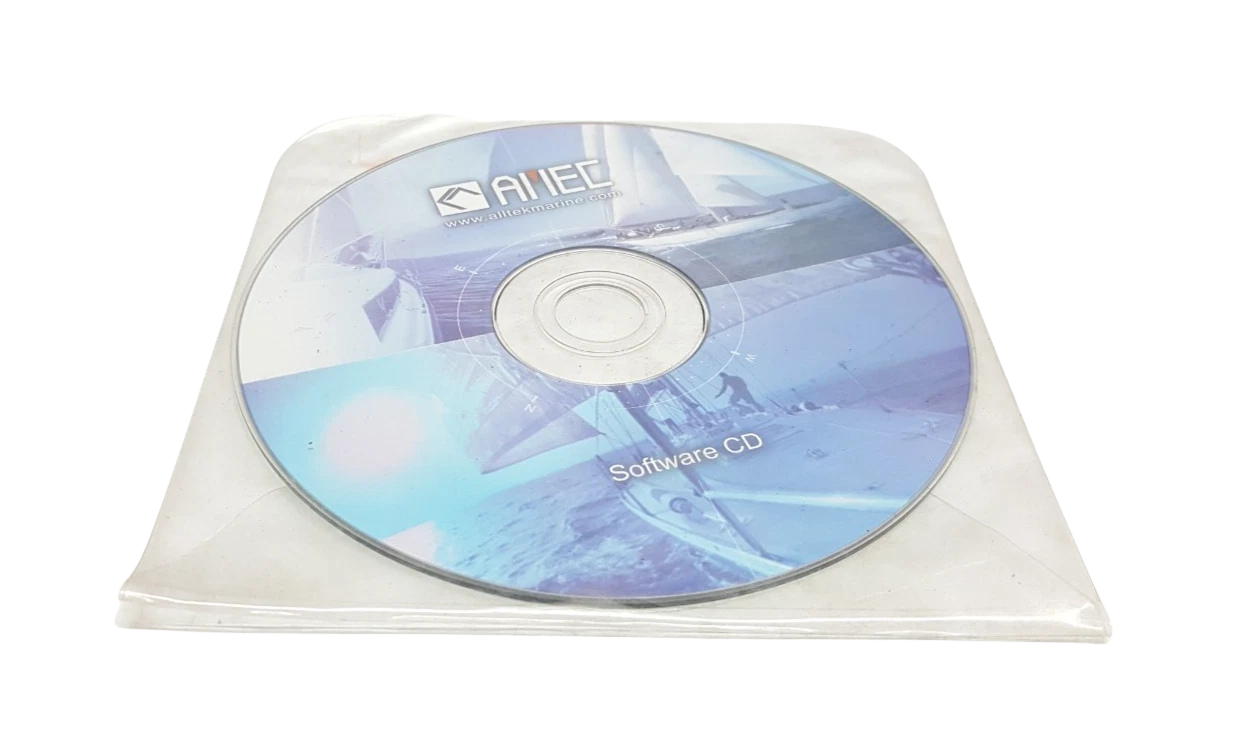
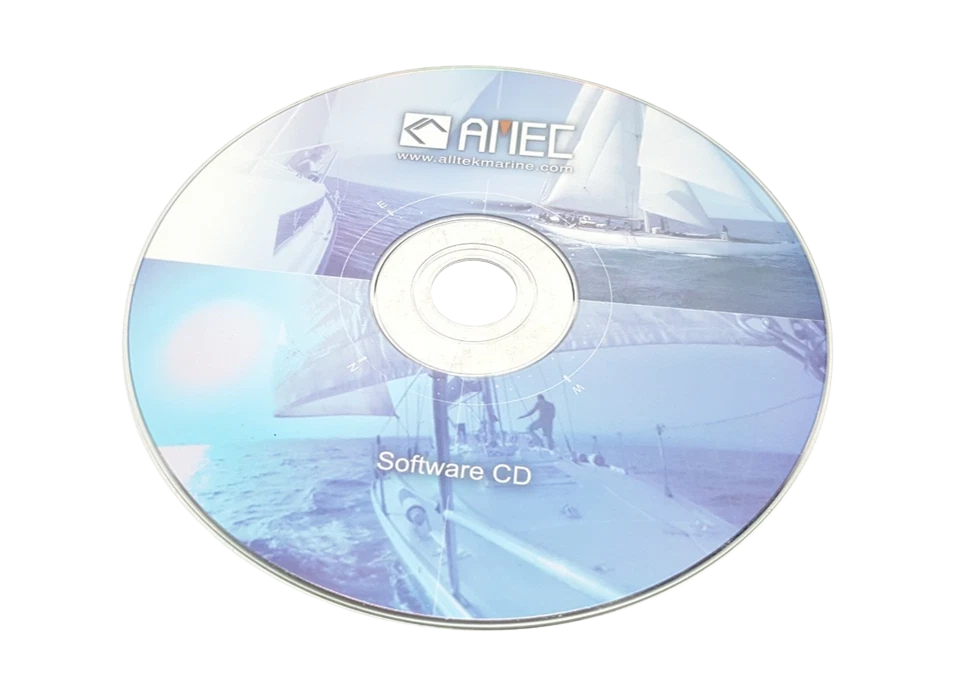
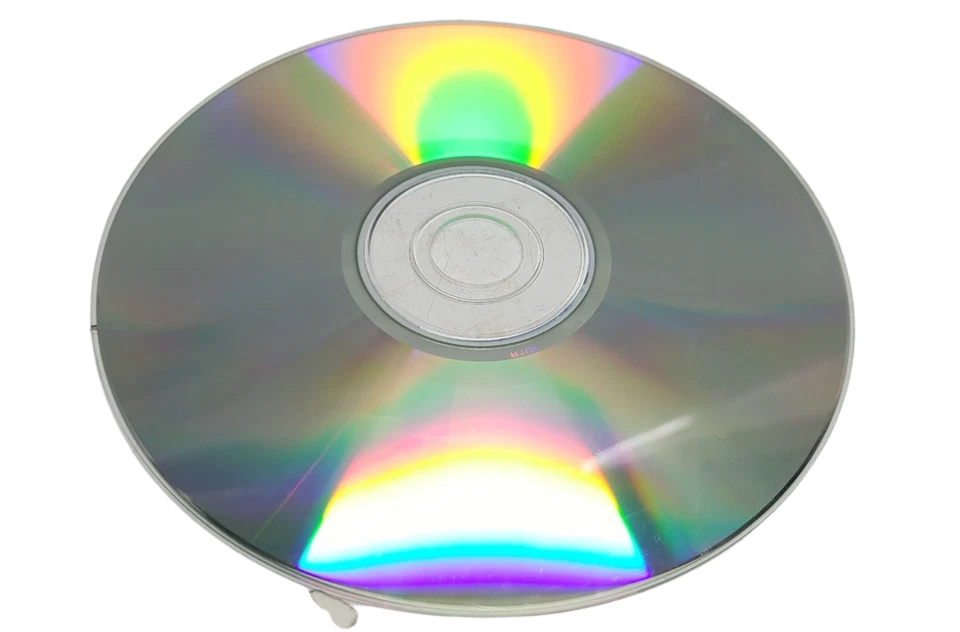
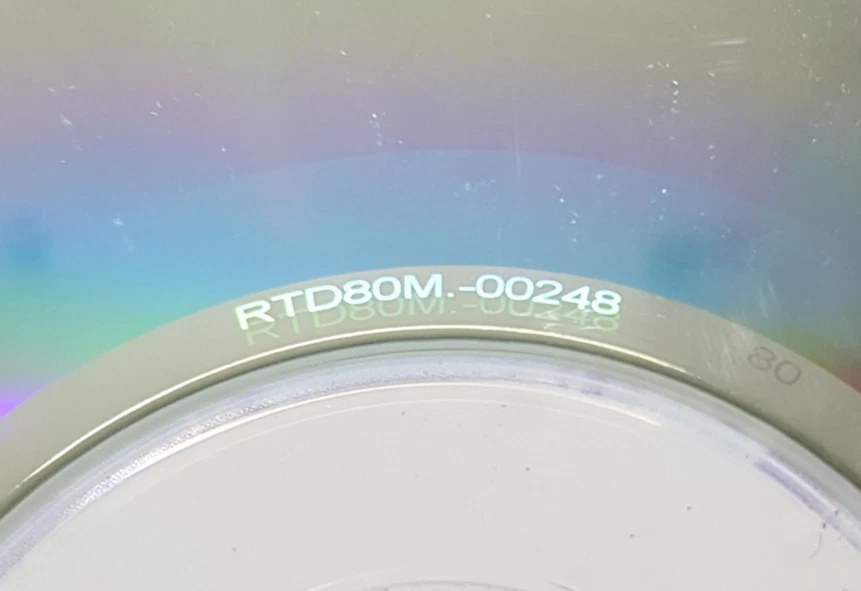



ALLTEK RTD80M 00248 Software CD – Marine Engine Telegraph System Configuration & Diagnostic Software
The ALLTEK RTD80M 00248 Software CD is the factory certified system configuration, diagnostics and firmware deployment tool for the ALLTEK RTD80M Marine Engine Telegraph and Command Logging System. The software is designed for direct interfacing with main engine telegraph receiver/transmitter units, bridge command consoles and engine control room (ECR) panels, providing full-spectrum access to system registers, event logging configurations, RS-422/RS-485 serial communication protocols and real-time operational telemetry.
It is very important to keep the Synchronization between the Navigation Bridge and the Main Engine Control Station for the safe maneuvering and classification of commercial vessels. The ALLTEK 00248 software suite is the indispensable toolset for marine automation engineers and electro-technical officers (ETOs) to calibrate response thresholds, map channels, download historical command logs, flash operational firmware updates and perform loopback tests on all shipboard nodes.
Model Details
- Manufacturer: ALLTEK (Alltek Marine Automation)
- Model Series: RTD80 / RTD80M Engine Telegraph Series
- Media Type: Factory Press-Master CD-ROM (ISO 9660 Standard)
- Manufacturer Part Number (MPN): 00248
- Software Package Build: RTD80M-CFG-V2.48 / Marine Utilities Suite
- System Architecture: 32-bit / 64-bit Windows Architecture (Win XP / Win 7 / Win 10 / Windows Embedded Industrial)
Key Features
- Complete System Parameterization: Enables full configuration of lever angle positions, command telegraph response delays, acoustic alarm tones, and optical indicator flash rates across Bridge, ECR, and Local Engine Standby stations.
- Bi-Directional Telemetry & Diagnostics: Real-time monitoring of RS-485 bus traffic, loopback error checking, optocoupler isolation integrity, and power supply rail telemetry.
- Firmware Deployment Engine: Integrated loader tool for safely flashing field firmware upgrades to onboard microcontroller flash banks without dismounting the physical unit.
- NMEA 0183 & MODBUS Protocol Configurator: Provides granular mapping for NMEA 0183 serial output sentences and MODBUS RTU slave register addresses for seamless integration with VDR (Voyage Data Recorder) and AMS (Alarm & Monitoring Systems).
System Hardware & Terminal Allocations
When using the ALLTEK RTD80M 00248 software to commission or troubleshoot the physical RTD80M unit, reference the main terminal board (TB1/TB2/TB3) pin allocations:
- Power Input (TB1): Terminals 1 (+24V DC Main) | 2 (0V DC Main) | 3 (+24V DC Emergency) | 4 (0V DC Emergency) | 5 (PE Earth)
- Serial Interface Port (TB2 – Comm 1): Terminal 1 (RS-485 A / TX+) | Terminal 2 (RS-485 B / TX-) | Terminal 3 (RX+) | Terminal 4 (RX-) | Terminal 5 (GND Shield)
- VDR / Logger Output (TB2 – Comm 2): Terminal 6 (NMEA Out +) | Terminal 7 (NMEA Out -)
- Auxiliary Relay Contacts (TB3): Terminals 1-2 (Power Failure Alarm NC) | Terminals 3-4 (Wrong Way Alarm NO) | Terminals 5-6 (Telegraph Mismatch NO)
Compatible Master Hardware Units
- ALLTEK RTD80 Series: RTD-80, RTD-80M, RTD-80P Command Order Recorders
- ALLTEK Engine Telegraph Console Units: Bridge Master Telegraph transmitter units, ECR Sub-telegraph receivers, Steering Stand Telegraph units
- ALLTEK Signal Processing Modules: SP-80M Main Control Processing Boards
Cross-Reference Part Numbers
- ALLTEK MPN: 00248 / RTD80M-00248 / CD-00248-RTD80M
- Equivalent Software Packages: ALLTEK RTD-80 SW V2.4, RTD80M-CONFIG-KIT
Applications
- Commercial Vessel Engine Telegraph Commissioning: Initial calibration and lever potentiometer zero-point mapping during sea trials or shipyard retrofits.
- Voyage Data Recorder (VDR) Interface Setup: Configuring NMEA/RS-422 output strings to feed engine order changes directly into shipboard VDR units.
- Class Survey & Annual Inspection Testing: Generating system audit logs, verifying “Wrong Way” propulsion alarms, and testing main/emergency power failover triggers.
- Routine Firmware Maintenance & Bug Fixes: Reflashing corrupt memory sectors on the RTD80M main controller board following power surge events.
- Fault Isolation & Bus Diagnostics: Sniffing RS-485 bus noise and identifying communication breaks between the navigation bridge and engine control room.
Chief Engineer’s Commissioning Protocol
When setting up the ALLTEK RTD80M via the 00248 software during dock trials, always establish your serial link using an optically isolated USB-to-RS485 converter. Common-mode voltage differences between the Bridge panel ground and ECR ground can instantly destroy standard unisolated FTDI chipsets.
Step-by-Step Diagnostic & Configuration Sequence
1) Physical Link Verification
Verify that the RTD80M main board on TB2 terminals 1 & 2 is terminated with a 120 Ω end-of-line resistor if the software configuration PC is connected at the end of the RS-485 chain.
2) Driver Installation & Com Port Setup
Insert the ALLTEK RTD80M 00248 CD-ROM. Execute Setup.exe as Administrator. Select the FTDI Virtual COM Port driver from the CD directory /Drivers/FTDI/. Set host COM Port settings: 9600 Baud, 8 Data Bits, 1 Stop Bit, No Parity.
3) Launching the RTD80M Diagnostic Utility
Open the RTD80M_Config_v248.exe application. Click Scan Network. The software will send a broadcast ping on MODBUS Slave Address 0x01 (default). Upon connection, the status bar will illuminate GREEN – Hardware Connected (Firmware Version Build visible).
4) Potentiometer Zero & Span Alignment
Navigate to Calibration -> Lever Positions. Move the physical bridge telegraph lever to FULL AHEAD. Verify the raw ADC count reads between 4000 and 4095. Move lever to FULL ASTERN; ensure ADC count reads between 0 and 95. Click Save Calibration to Flash Memory.
5) Alarm Relay & Wrong Way Logic Test
Go to Diagnostics -> Forced Output Test. Toggle the Wrong Way Relay Test button. Verify that the physical horn/flasher on terminal block TB3 activates immediately.
Frequently Asked Questions
What is the main purpose of the ALLTEK RTD80M 00248 Software CD?
The ALLTEK RTD80M 00248 Software CD is used to calibrate, configure, update firmware, and run diagnostic tests on ALLTEK RTD80M series marine engine telegraph systems and command order recorders.
Can this software run on modern Windows 10 or 64-bit operating systems?
Yes. While native 32-bit legacy drivers are included for older shipyard laptops (Windows XP/7), the 00248 CD includes updated 64-bit USB drivers compatible with Windows 10 Pro and Windows Embedded Industrial environments.
How do I connect my laptop to the ALLTEK RTD80M system board?
You require a USB-to-RS485 or USB-to-RS232 isolated serial interface cable connected to the diagnostic terminals (TB2) on the RTD80M main processing PCB.
Does the software allow exporting event logs for class surveys?
Yes. The software features an export module that converts raw non-volatile EEPROM event logs into standardized .CSV or .TXT log sheets containing timestamped bridge command changes and ECR acknowledgments.
What should I do if the software reports a “Communication Timeout Error”?
Check that the 24V DC main power supply to the RTD80M is stable, confirm RS-485 A/B polarity on terminal block TB2, ensure correct COM port selection in Device Manager, and verify that the baud rate matches the hardware jumper settings (default is 9600 bps).