



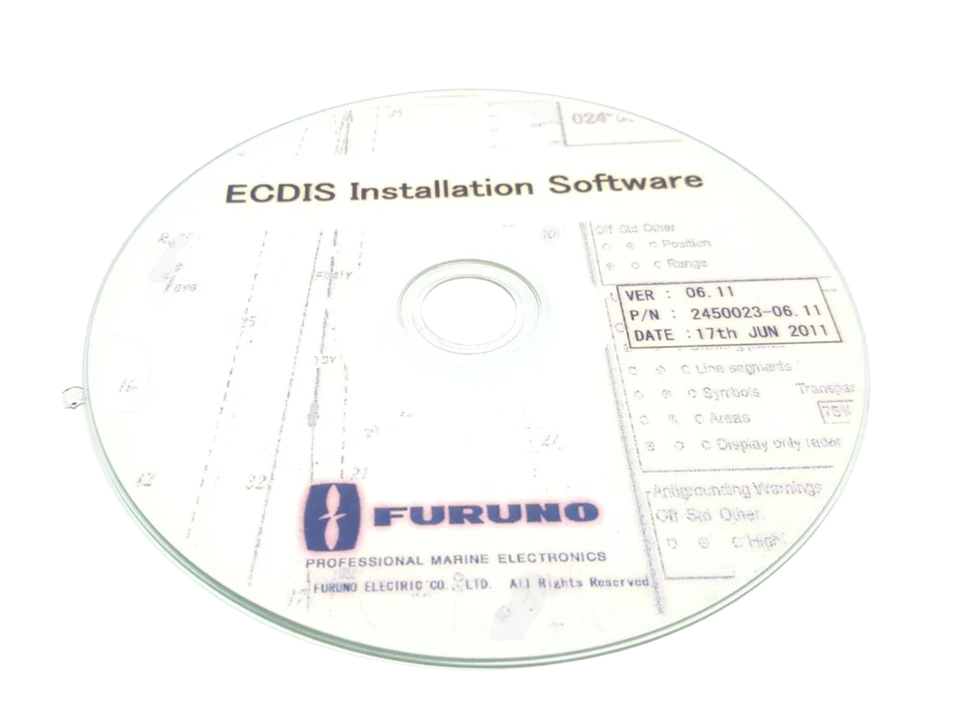
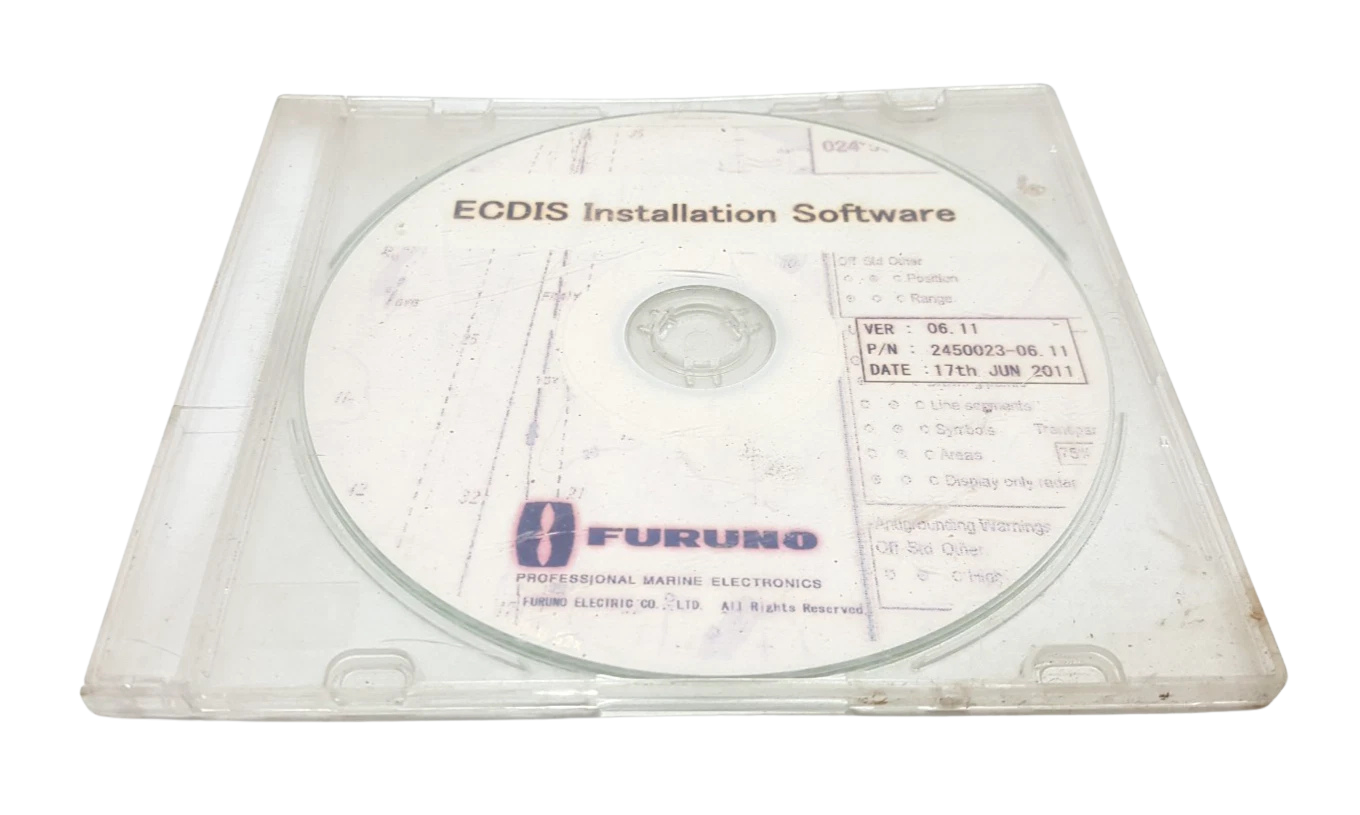
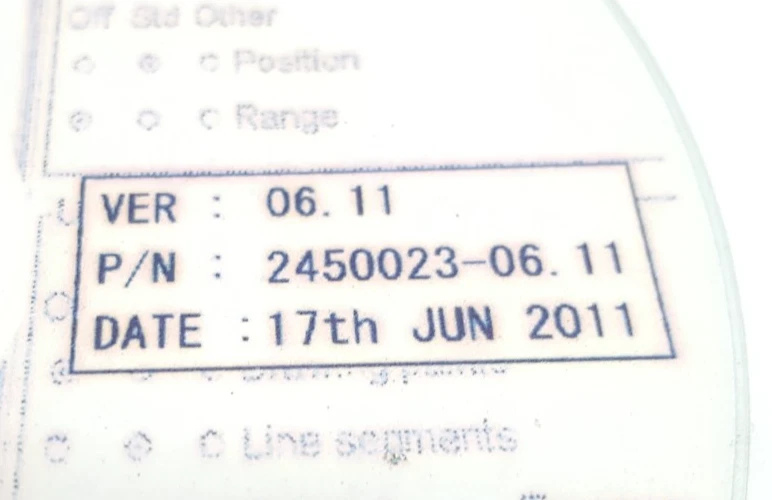


FURUNO 2450023-06.11 VER: 06.11 ECDIS Installation Software
Condition: New – Open Box

FURUNO 2450023-06.11 VER: 06.11 ECDIS Installation Software
The FURUNO 2450023-06.11 (Version 06.11) is the official type-approved system installation and operating system update software for Furuno FMD series Electronic Chart Display and Information Systems (ECDIS). Engineered for marine bridge navigation processors, this software deployment media installs the base operating system, Furuno core chart drawing engine, peripheral interface drivers, and network communication stack required to maintain full compliance with IMO performance standards and IEC testing specifications.
Marine navigation safety relies on certified software builds. Software version 06.11 provides critical performance enhancements, security patches, and updated S-52 chart presentation library support. Designed to run on Furuno EC-3000 Processor Units, this installation package re-images or upgrades existing FMD-3100, FMD-3200, and FMD-3300 series ECDIS workstations. It establishes direct data pipelines between sensor adapters (MC-3000S), dual LAN networks (HUB-100), radar overlays (FAR-2xx7 / FAR-3xx0 series), and satellite chart update systems like Gate-1.
Model Details
- Manufacturer Part Number (MPN): 2450023-06.11
- Software Version Designation: VER: 06.11 (Build 06.xx Series)
- Program Type: System Recovery, Clean Installation & Operating Firmware Upgrade
- Media Storage Format: Bootable USB Flash Drive / System Recovery Optical Storage Medium
- Target Hardware Unit: Furuno EC-3000 Marine Processor Unit
Technical Specifications: Furuno 2450023-06.11 ECDIS Software
| Specification Parameter | Technical Value / Operational Capability |
|---|---|
| Part Number / ID | 2450023-06.11 |
| Software Build Version | Ver: 06.11 |
| Target Processor Hardware | FURUNO EC-3000 Processor Unit (Intel-based industrial motherboard) |
| Core Operating Platform | Hardened Real-Time Embedded OS / Furuno Proprietary Linux-based kernel |
| Chart Engine Standard Compliance | IHO S-57 Ed 3.1, S-63 Vector Protection, S-52 Presentation Library 4.0, Admiralty ARCS |
| Testing Standard Alignment | IEC 61174 Edition 4.0, IEC 62288 Edition 2.0, IEC 60945 Edition 4.0 |
| Ethernet Interface Protocol | IEC 61162-450 Light Weight Ethernet (LWE) dual redundancy network support |
| Serial I/O Driver Support | IEC 61162-1 / IEC 61162-2 high-speed NMEA 0183 optical isolated channels |
| Display Output Resolution Support | 1900 x 1200 (WUXGA), 1280 x 1024 (SXGA) on 19″, 23.1″, 24″, and 27″ screens |
| Data License Protocol | USB Hardware Security Key / e-Token Pairing via System ID |
Compatible Equipment Models
- ECDIS Workstations: FURUNO FMD-3100 (24″ Panel PC), FURUNO FMD-3200 (19″ LCD), FURUNO FMD-3300 (23.1″ / 27″ LCD)
- Black Box Processor: FURUNO FMD-3200BB / FMD-3300BB (EC-3000 Processor Unit)
- Sensor Adapters: MC-3000S (Serial I/O), MC-3010A (Analog I/O), MC-3020D (Digital In/Out)
- Network Components: FURUNO HUB-100 / HUB-3000 Gigabit Switching Hubs
- Radar Interface: FAR-2xx7 series, FAR-2xx8 series, and FAR-3xx0 Chart Radar series via LWE Ethernet
Part Number Cross-References
- 2450023-06.11 (Full System Installation Media – Version 06.11)
- 2450023-05.05 (Legacy System Software Build)
- 2450023-03.31 (Previous Revision Software Package)
- 05P0852 / 05P0859 (Processor System PCB/CPU Assembly Series)
Key Features
- IHO S-52 Presentation Library Compliance: Ensures rendering of vector charts in accord with current international safety contour and chart symbol guidelines.
- Instantaneous Redraw Engine: Advanced graphics core eliminates screen redraw lag during panning, zoom changes, and route manipulation.
- Dual-LAN Network Redundancy: Native driver support for redundant Gigabit Ethernet connections across EC-3000 units to guarantee continuous sensor data feed.
- Enhanced Alert Management System (AMS): Meets IEC 62923-1/-2 standards for integrated bridge system alert handling and priority escalation.
- Integrated Sensor Driver Suite: Pre-configured interface drivers for Gyrocompass, Speed Log, GPS/DGPS, AIS, Echo Sounder, and NAVTEX units.
Primary Applications
- Class Survey Compliance Upgrades: Mandatory software updating to keep vessel ECDIS compliant with PSC (Port State Control) and Flag State mandates.
- Processor Replacement & Recovery: Cold-boot OS restoration following an EC-3000 hard drive/SSD replacement or processor unit overhaul.
- Paperless Navigation Certification: Deployment on dual-ECDIS installations (FMD-3200/3300) to satisfy paperless chart navigation rules.
- Chart Radar Data Integration: Software synchronization enabling target track sharing, waypoint exchange, and radar overlay with FAR-3xx0 series radars.
Field Service Engineer’s Upgrade Workflow
1) Pre-Installation Preparation & Backup
Before inserting the installation medium into the EC-3000 processor, always back up user data:
Export all user routes, user maps, marks, lines, and system logs to an external USB drive formatted to FAT32 via the InstantAccess bar menu (System > File Maintenance > Export).
Record serial port configuration assignments (Baud rate, Talker ID, Sentence format) from the System Setup menu or take screenshot logs. Losing these port settings during a clean install will cause sensor communication failure.
2) License Key Verification
Version 06.11 requires a valid system hardware key (e-Token dongle) plugged into an internal USB port on the EC-3000 CPU board. Ensure the dongle LED illuminates solid green during post-boot initialization. If upgrading from legacy version 01.xx or 03.xx, confirm that your system license key includes authorization for Version 06.x builds.
3) Cold Installation Procedure
Power off the EC-3000 Processor.
Insert the 2450023-06.11 installation drive into a USB 2.0/3.0 port on the front panel of the processor unit.
Power on the unit while pressing F7 or Delete (depending on CPU motherboard generation) to enter the BIOS boot menu, selecting the installation USB drive as the primary boot target.
Execute the automatic system partition setup. Caution: Operating a full software re-install will format the boot drive (SSD/HDD).
Once installation completes, remove the installation medium when prompted and execute a cold restart.
4) Sensor Adapter (MC-3000S) Synchronization
After booting into Version 06.11, navigate to Self Test / Maintenance and perform a firmware handshake check with connected MC-3000S Sensor Adapters. If the adapter firmware is out of sync with Software Ver 06.11, execute a sensor adapter update directly from the software utility menu to prevent packet dropping on the CAN-bus / LAN lines.
Frequently Asked Questions
What hardware is required to run Furuno software version 2450023-06.11?
This software is built specifically for Furuno EC-3000 Processor Units, which power the FMD-3100, FMD-3200, FMD-3200BB, FMD-3300, and FMD-3300BB ECDIS systems.
Does updating to version 06.11 delete saved routes and chart permits?
A clean software installation formats the primary boot partition, which erases user routes and chart data. Always perform a system backup to an external drive before initiating a full software installation. Software updates applied as patches may retain user files, but a manual backup remains essential practice.
Why is software version 06.11 critical for Port State Control (PSC) inspections?
Version 06.11 incorporates updated S-52 presentation library standards and IEC 61174 Edition 4 testing standards. Operating outdated software can result in PSC deficiencies due to non-compliant chart display symbols and alarm handling parameters.
Can I install this software on a standard off-the-shelf PC?
No. Furuno ECDIS software is tightly coupled with proprietary hardware, BIOS configurations, and security dongles embedded within Furuno EC-3000 processors. Installation on non-type-approved hardware will fail to boot and will violate IMO compliance.
How do I re-integrate connected radar units after a software installation?
After installing software version 06.11, open the Network Setup menu, assign the appropriate IP address for the EC-3000 processor on the radar/ECDIS network subnet, and select the target FAR-2xx7, FAR-2xx8, or FAR-3xx0 radar model from the drop-down hardware configuration list.